> ## Documentation Index
> Fetch the complete documentation index at: https://docs.brewit.ai/llms.txt
> Use this file to discover all available pages before exploring further.

# Overview

> Learn how to connect your data sources

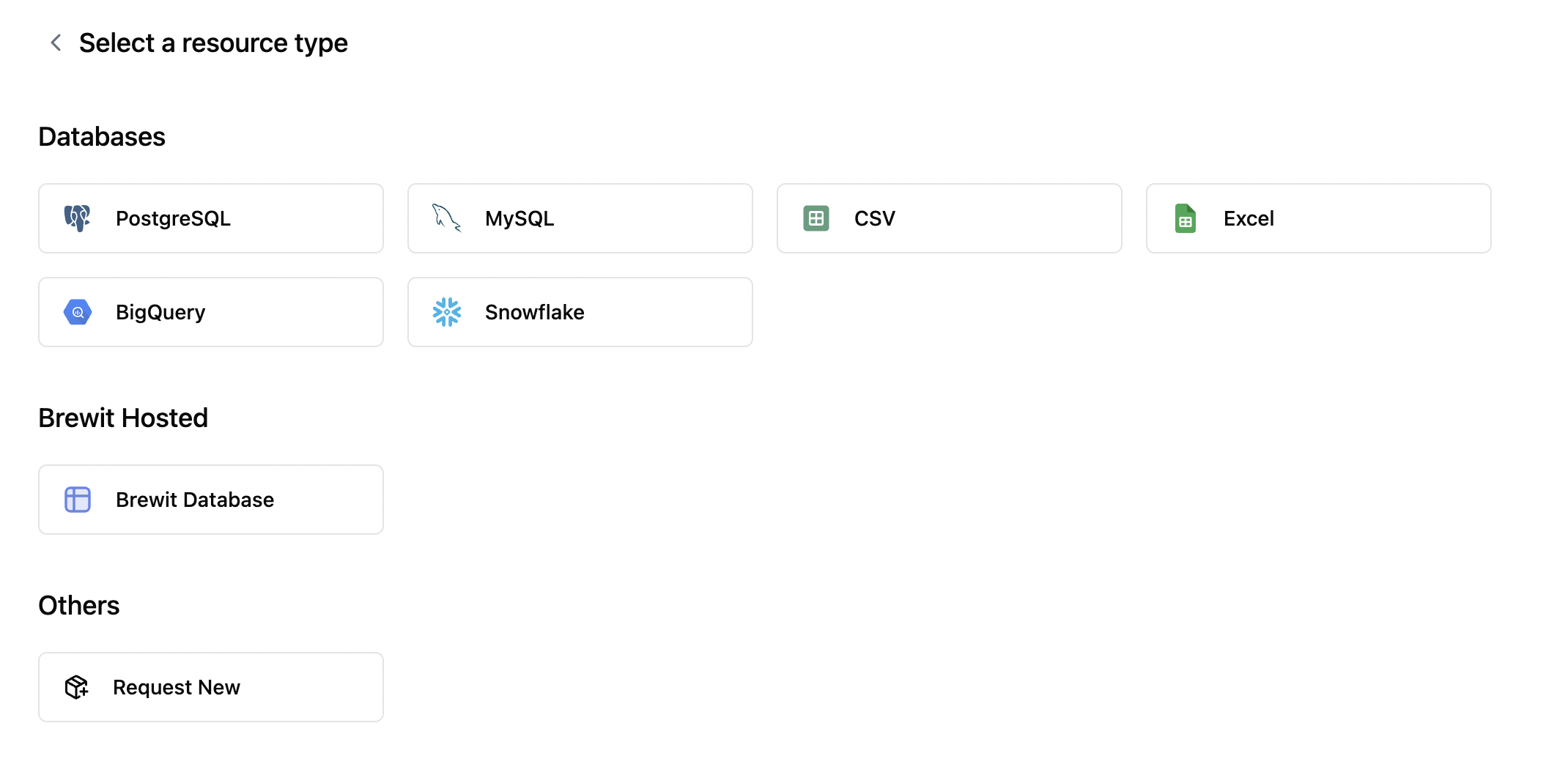
## Connect to data source
<Frame>
  <img src="https://mintcdn.com/brewit-84/pyjAYulKSUrvhjf5/images/screenshots/data-source.png?fit=max&auto=format&n=pyjAYulKSUrvhjf5&q=85&s=6ccc7a7979a01ef4549f6f2f7d1c0555" alt="Create a new data source" width="2140" height="1058" data-path="images/screenshots/data-source.png" />
</Frame>

<CardGroup cols={2}>
  <Card title="PostgreSQL" href="/docs/integrations/databases/postgres" icon="arrow-up-right-from-square" />

  <Card title="MySQL" href="/docs/integrations/databases/mysql" icon="arrow-up-right-from-square" />

  <Card title="BigQuery" href="/docs/integrations/databases/bigquery" icon="arrow-up-right-from-square" />

  <Card title="Snowflake" href="/docs/integrations/databases/snowflake" icon="arrow-up-right-from-square" />

  <Card title="Microsoft SQL Server" href="/docs/integrations/databases/mssql" icon="arrow-up-right-from-square" />

  <Card title="Databricks" href="/docs/integrations/databases/databricks" icon="arrow-up-right-from-square" />

  <Card title="CSV" href="/docs/integrations/databases/csv" icon="arrow-up-right-from-square" />
</CardGroup>

<Note>
  If you are looking to connect other data sources, please contact Mark at
  [mark@brewit.ai](mailto:mark@brewit.ai)
</Note>
