> ## Documentation Index
> Fetch the complete documentation index at: https://docs.brewit.ai/llms.txt
> Use this file to discover all available pages before exploring further.
# Quickstart
> A step-by-step Brewit guide
👏 Welcome to Brewit.ai! Let's get you set up and ready to harness the power of conversational data analysis.
## 1. Sign up & login 🔐
If you haven't already, create a Brewit.ai account [here](https://app.brewit.ai/signin).
Log in to access the Brewit.ai dashboard.
## 2. Connect your database 🔗
* Navigate to the [Data Sources](https://app.brewit.ai/resources) section.
* Select a data source from the list.
* Follow the on-screen instructions to connect your data securely. This often involves entering API credentials or granting permissions.
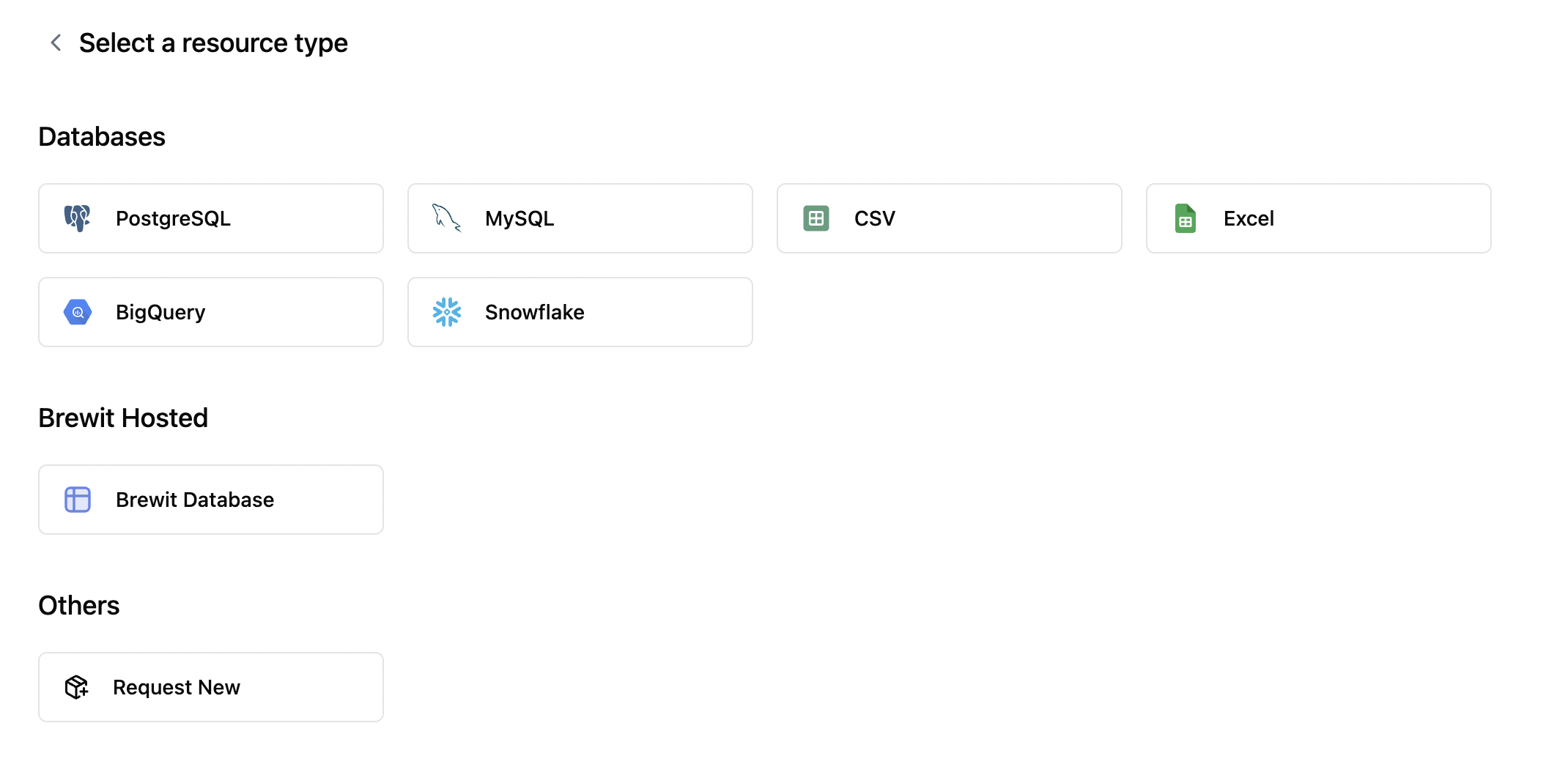 More information about data integration can be found here:
PostgreSQL, MySQL, BigQuery, Snowflake, CSV, etc.
### 3. Chat with Brewit 🤖
* Select a data source and ask any questions to Brewit.
* Brewit will analyze your data and provide insights, along with SQL queries & visualizations.
More information about data integration can be found here:
PostgreSQL, MySQL, BigQuery, Snowflake, CSV, etc.
### 3. Chat with Brewit 🤖
* Select a data source and ask any questions to Brewit.
* Brewit will analyze your data and provide insights, along with SQL queries & visualizations.