> ## Documentation Index
> Fetch the complete documentation index at: https://docs.brewit.ai/llms.txt
> Use this file to discover all available pages before exploring further.
# Invite Team Members
> Invite team members to your workspace
**Pricing Plan** Check out our [pricing](https://brewit.ai/pricing) to find
the best plan for your team
## How to send an invitation
Go to [Settings](https://app.brewit.ai/settings/members), and click "Invite
Team Members"
Add one or more team member's emails, along with their names
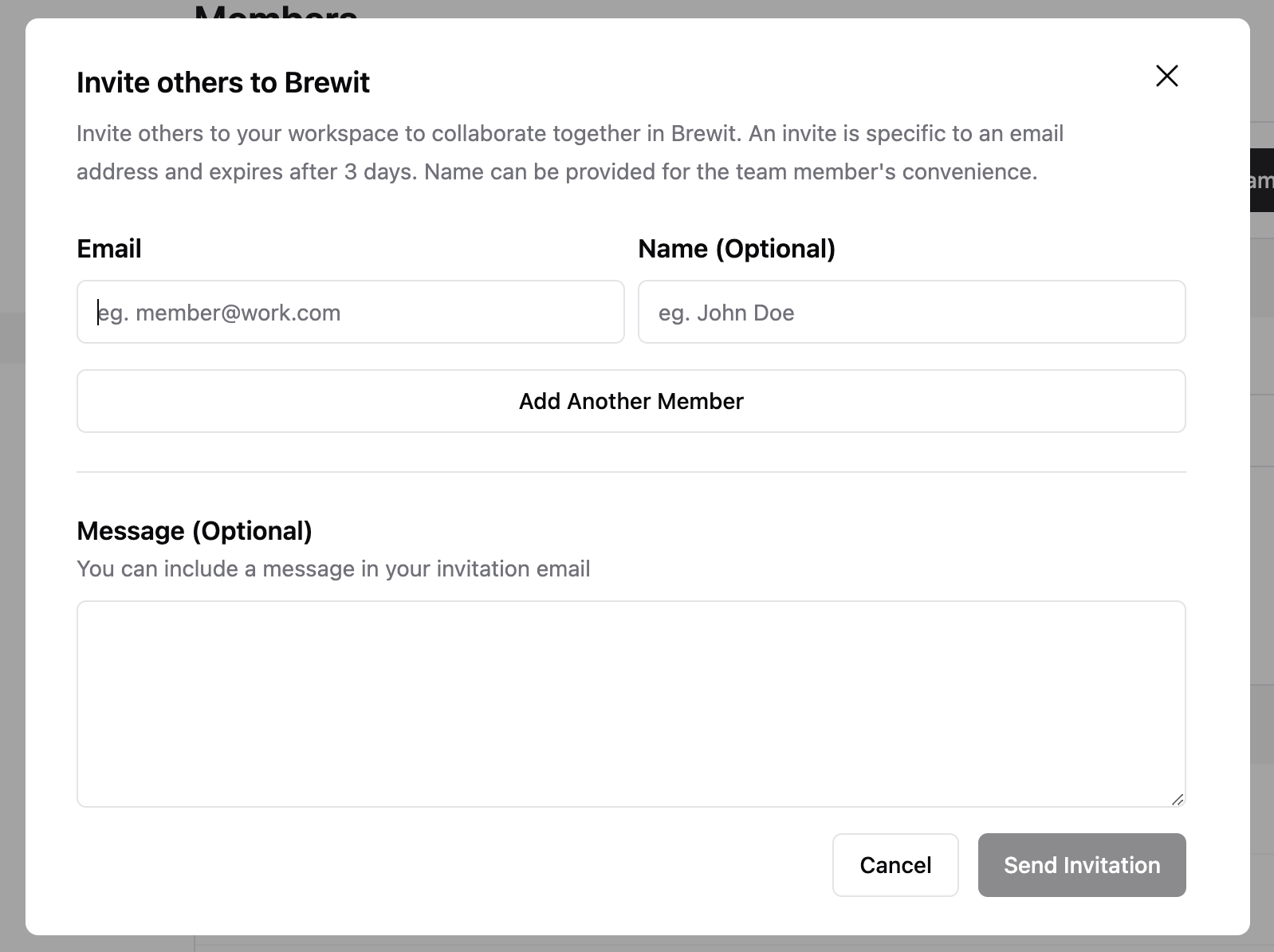 Send invitation!
## How to accept an invitation
Team members should receive an invitation email in their inbox.
Send invitation!
## How to accept an invitation
Team members should receive an invitation email in their inbox.
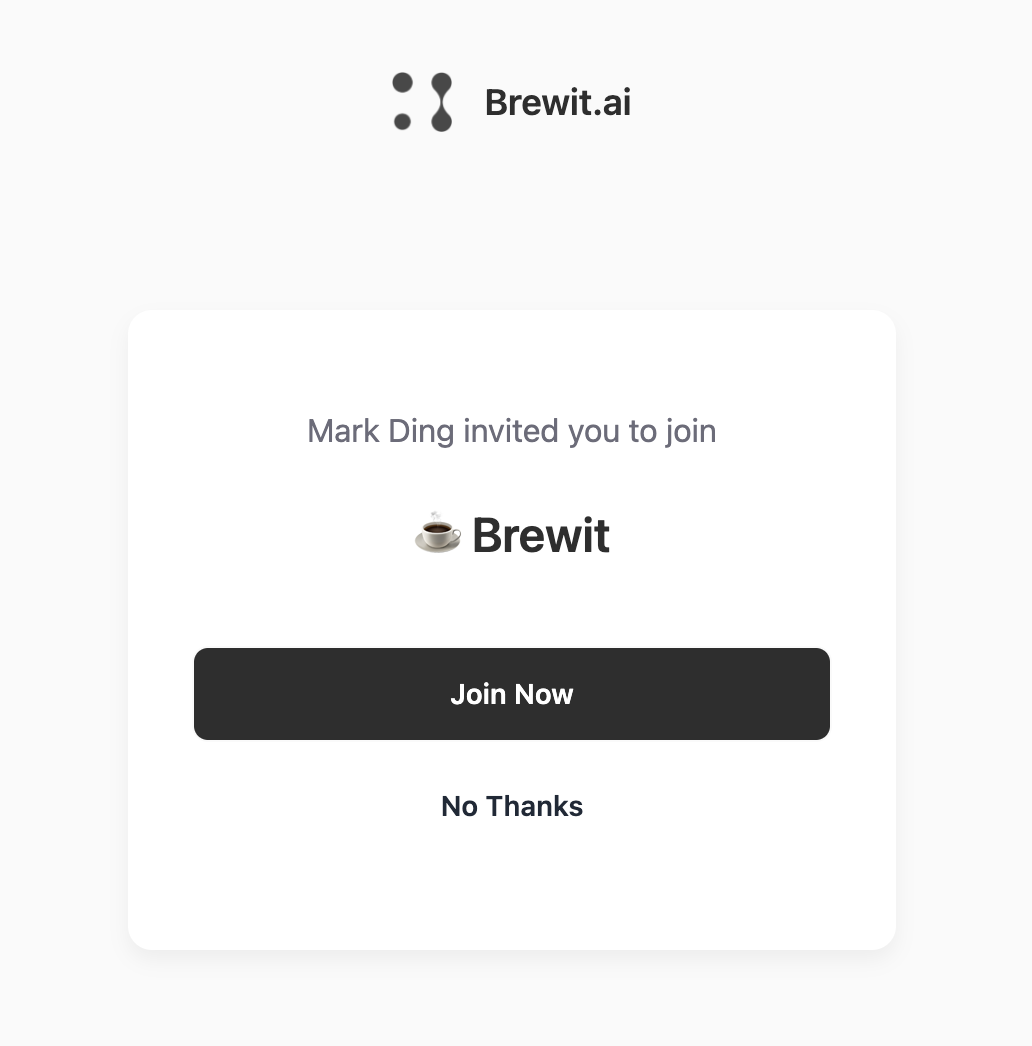
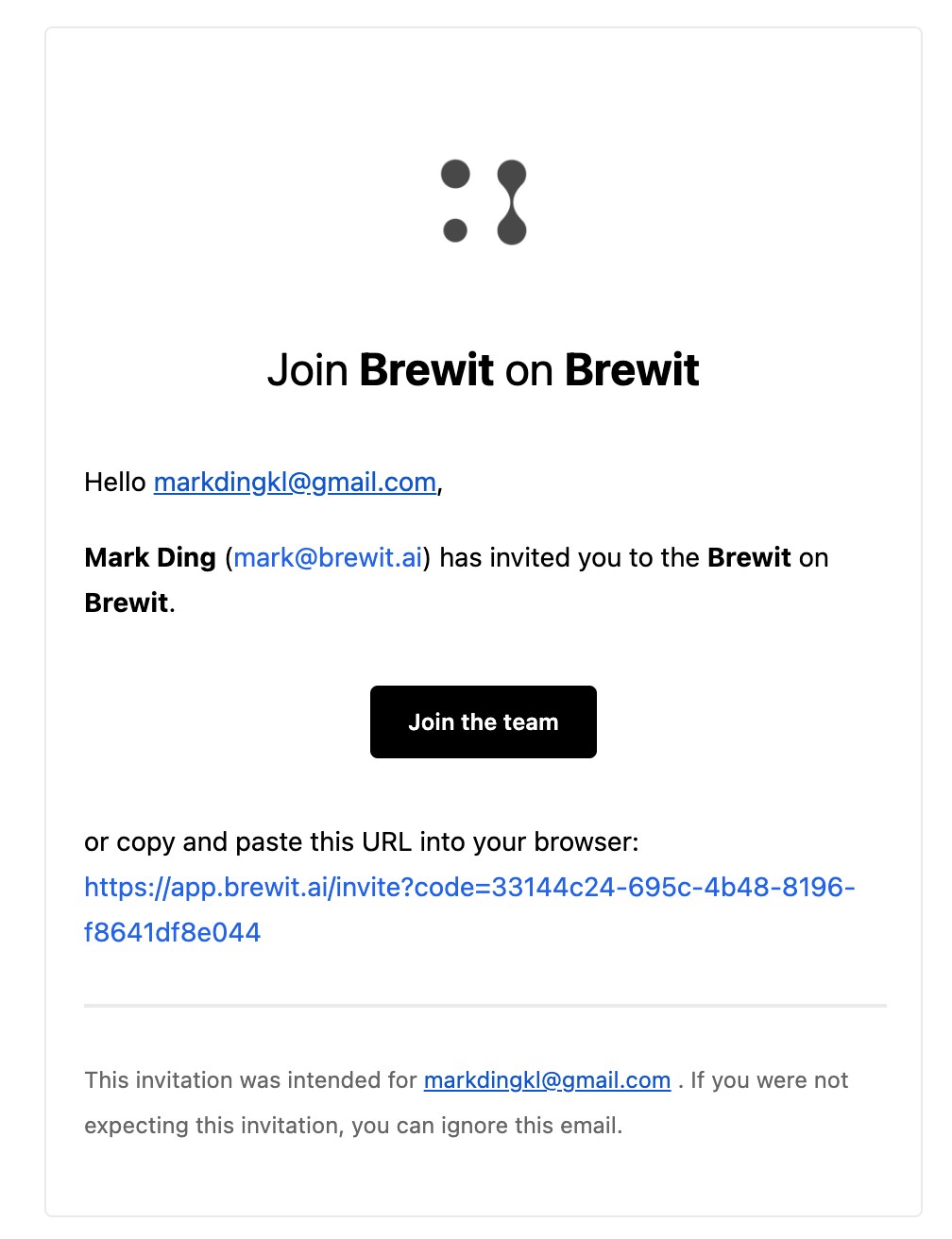 Click **Join the team**, and it will direct users to the account creation
page. Once user is logged in, they can click "Join Now" to join the
workspace. In addition, users can also accept invitations from their
[settings](https://app.brewit.ai/settings).
Click **Join the team**, and it will direct users to the account creation
page. Once user is logged in, they can click "Join Now" to join the
workspace. In addition, users can also accept invitations from their
[settings](https://app.brewit.ai/settings).
 ## FAQs
You should check out our [pricing](https://brewit.ai/pricing) to find the
best plan or contact us at [leo@brewit.ai](mailto:leo@brewit.ai)
Currently, there are three roles within the workspace: - **Owner**: access
to all - **Admin**: access to view and edit workspace. - **Member**: access
to view within workspace
## FAQs
You should check out our [pricing](https://brewit.ai/pricing) to find the
best plan or contact us at [leo@brewit.ai](mailto:leo@brewit.ai)
Currently, there are three roles within the workspace: - **Owner**: access
to all - **Admin**: access to view and edit workspace. - **Member**: access
to view within workspace